Setup Process
Why do I have to set up my account?
We try to make everything and every bit of Twasi as easy and accessible as possible.
To provide such, we collect data like your avatar, your Twitch banner and some further data throughout your first visit of the page.
In the setup process we will collect data about your personal preferences like which plugins you wish to install.
How does the setup process work?
Authorization
At the beginning you have to authorize Twasi with your Twitch account to grant us access to collect data and execute commands in your Twitch channel.
First step
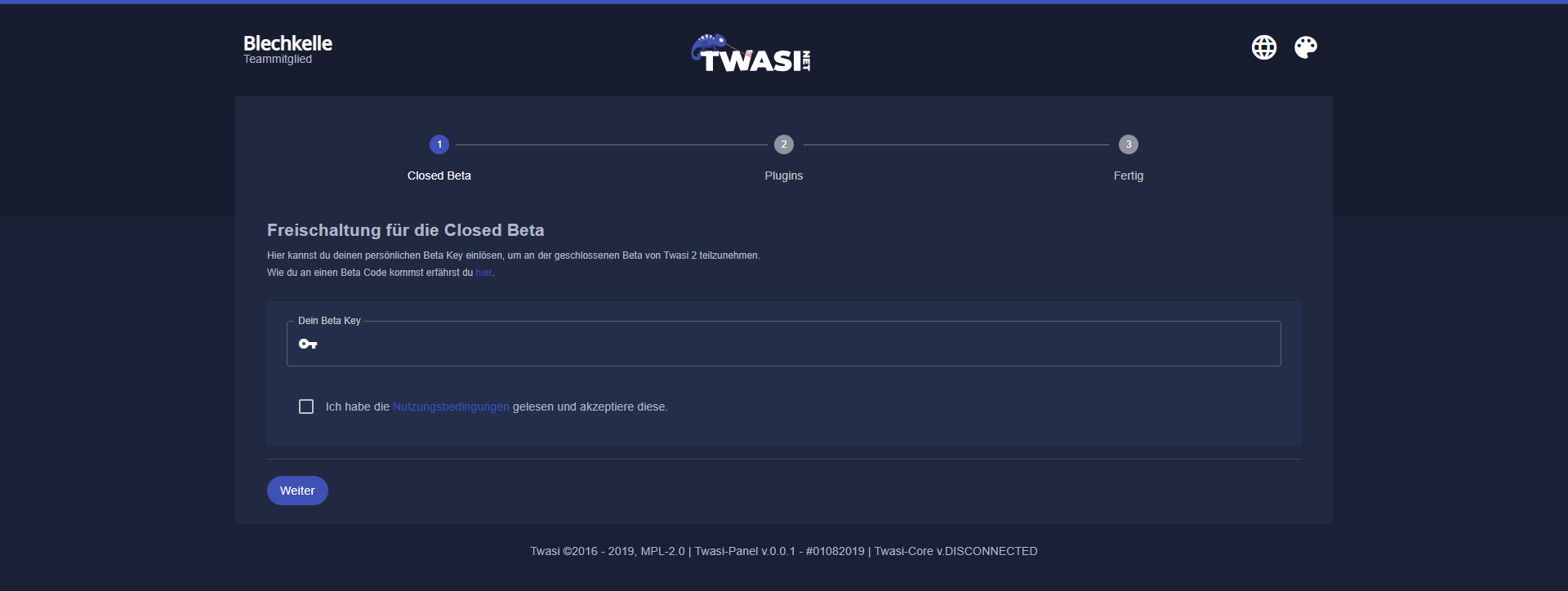
The first step in the setup, after you have authorized Twasi, is the page where you enter your personal Closed Beta Key to gain access to the Twasi panel.
Thereupon you have to accept our Terms and Conditions in order to proceed with the setup process.
After you successfully entered the Beta Key the setup is basically done.
All following steps are optional.
Second step
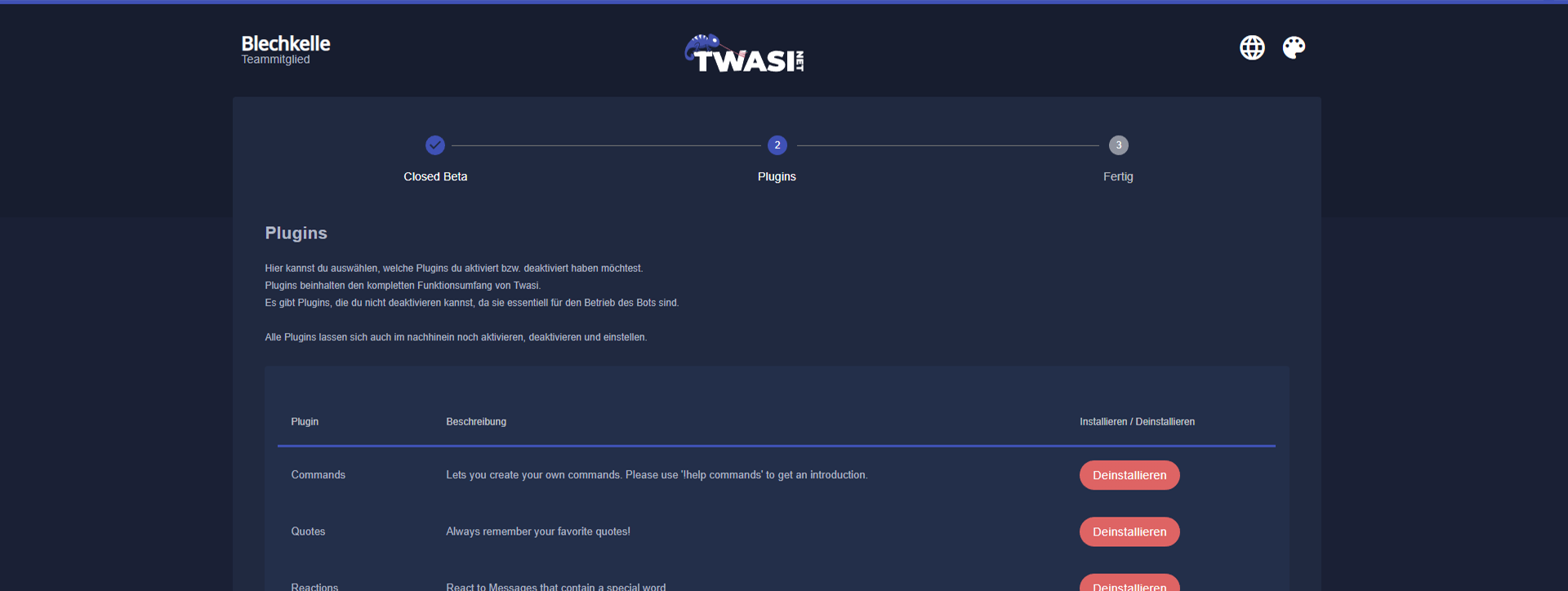
In the second stage of the setup you can choose from a list of plugins to install for your personal preferences.
You can install and uninstall the plugins easily at any point of time via the Twasi panel later on.
Third step
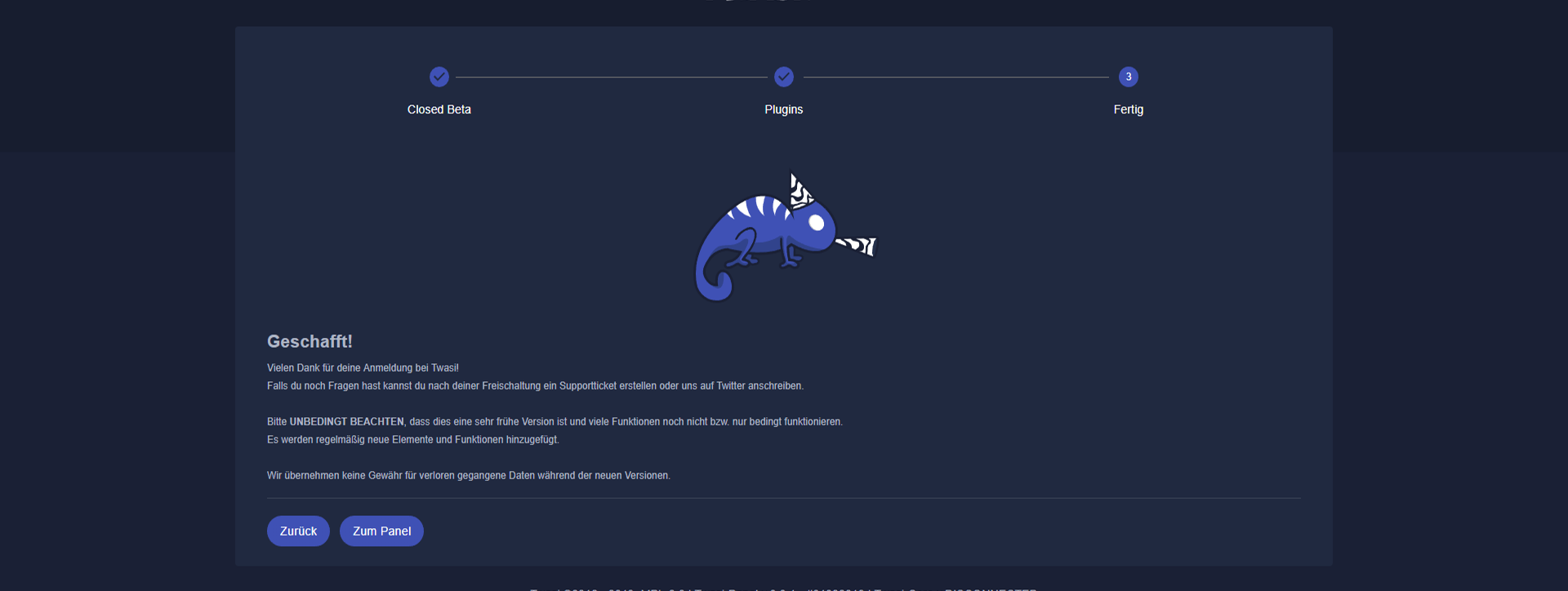
The third and final step shows a welcome message. The setup is done and you can proceed to the Twasi panel.