
Themes
Seriously. Who wants to work with a bad looking site?
Especially when you have the desire to scream out loudly, when you throw a glance at it. But as we all know, taste is different. So we decided to have a bunch of cool-looking themes you can choose from.
How can I choose a theme?
If you have read the previous page of this documentation, you should know that you can find the themeswitch button in the header section of the panel. Its icon looks like a little colour palette.
If you click on it, you will be prompted with a dialog that looks just like the following:
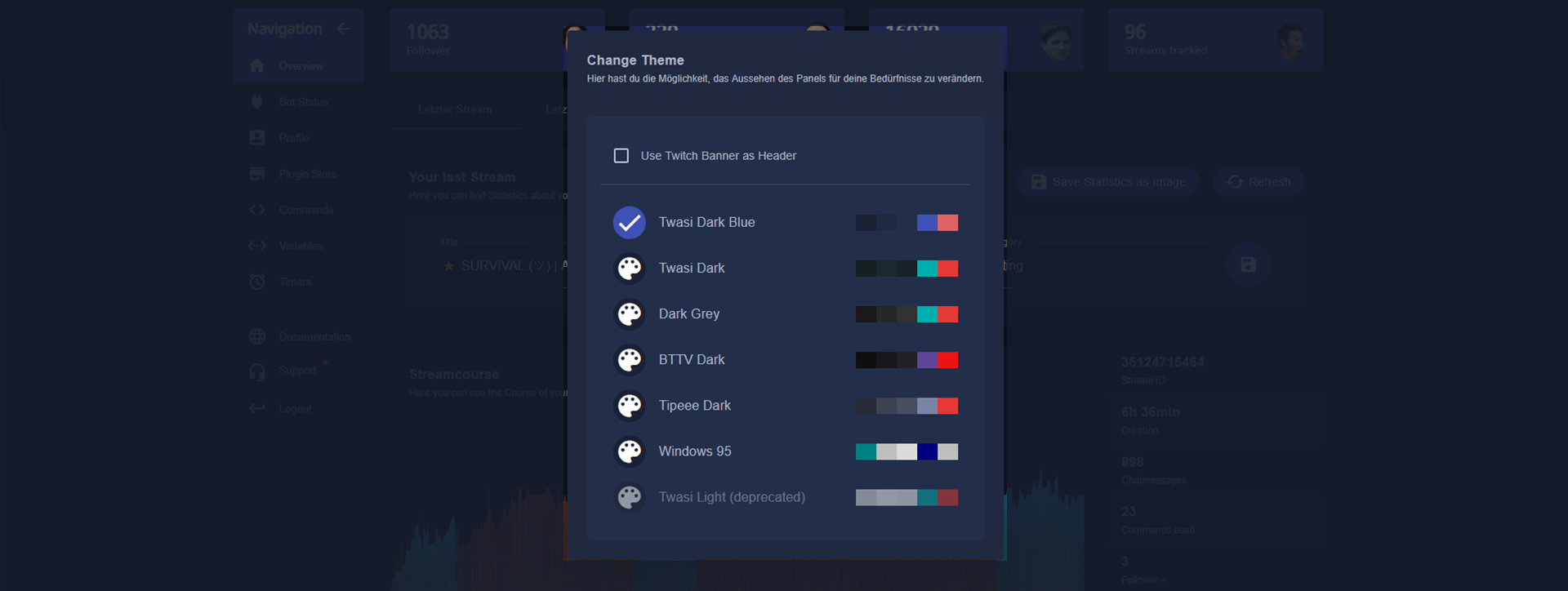
As you can see, you might also use your Twitch banner as the background of the header section of your Twasi panel.
And yes, there is also a Windows 95 theme. •ᴗ•